🔎 Executable Quick Viewer
The least dramatic way to inspect dramatic binaries.
Read-only executable metadata preview for Nuclr Commander, built to make PE, ELF, and Mach-O files reveal their secrets without making you open a hex editor, fire up a disassembler, or pretend this needed to be harder than it is. ⚙️
🚀 Why This Exists
Because sometimes you do not want an entire reverse-engineering ceremony just to answer:
- 📦 What format is this thing?
- 🧠 Which architecture is it built for?
- 🧩 Is it a PE executable, a shared object, a DLL, a bundle?
- 🛡️ Does it expose the usual security flags?
- 🗂️ What sections or slices does it contain?
This plugin handles that fast, directly inside Nuclr Commander, with a level of restraint and competence that should frankly be more common.
✨ What It Does
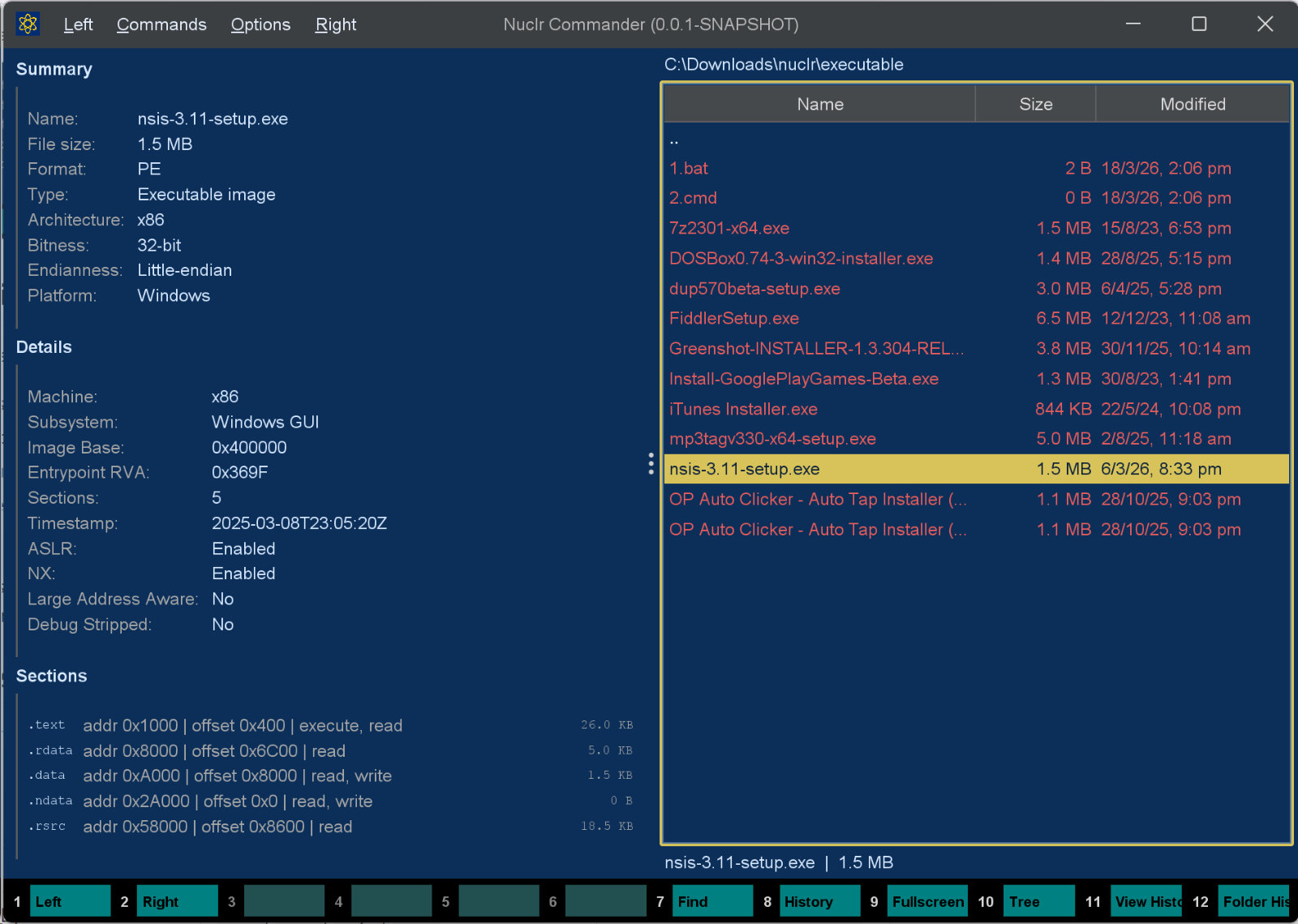
Executable Quick Viewer is a focused quick-look plugin for executable metadata. It reads stable header information and presents it in a clean panel designed for glanceable inspection.
🧩 Supported Formats
| Platform | Format | Typical files |
|---|---|---|
| 🪟 Windows | PE / COFF | .exe, .dll, .sys, .ocx |
| 🐧 Linux / Unix | ELF | executables, .so, AppImage-style binaries |
| 🍎 macOS | Mach-O | executables, .dylib, .bundle, .o |
| 🍏 macOS | Universal / Fat Mach-O | multi-architecture binaries |
Recognised extensions are exe, dll, sys, ocx, so, bin, run, appimage, dylib, mach, bundle, o and a. Files with no extension are sniffed by header magic instead, so extensionless Unix binaries preview correctly too.
📋 What You Get
- 📄 File summary: name, size, format, type, platform, architecture, bitness, endianness
- 🧠 Header details: machine / CPU type, subsystem, ABI, image base, entrypoint, interpreter, loader hints
- 🛡️ Common flags: ASLR, NX, PIE, dynamic linking, stripped hints where available
- 🧱 Structure view: PE sections, ELF sections, Mach-O sections, or fat-binary slices
In short: all the generally available facts you actually want, without the usual binary-analysis theater.
🚫 What It Very Deliberately Does Not Do
- ❌ Disassembly
- ❌ Decompilation
- ❌ Import / export browsing
- ❌ Signature verification
- ❌ Malware analysis
- ❌ Binary execution
- ❌ Wild guesswork dressed up as insight
🖼️ Screenshot
🖼️ Thumbnail
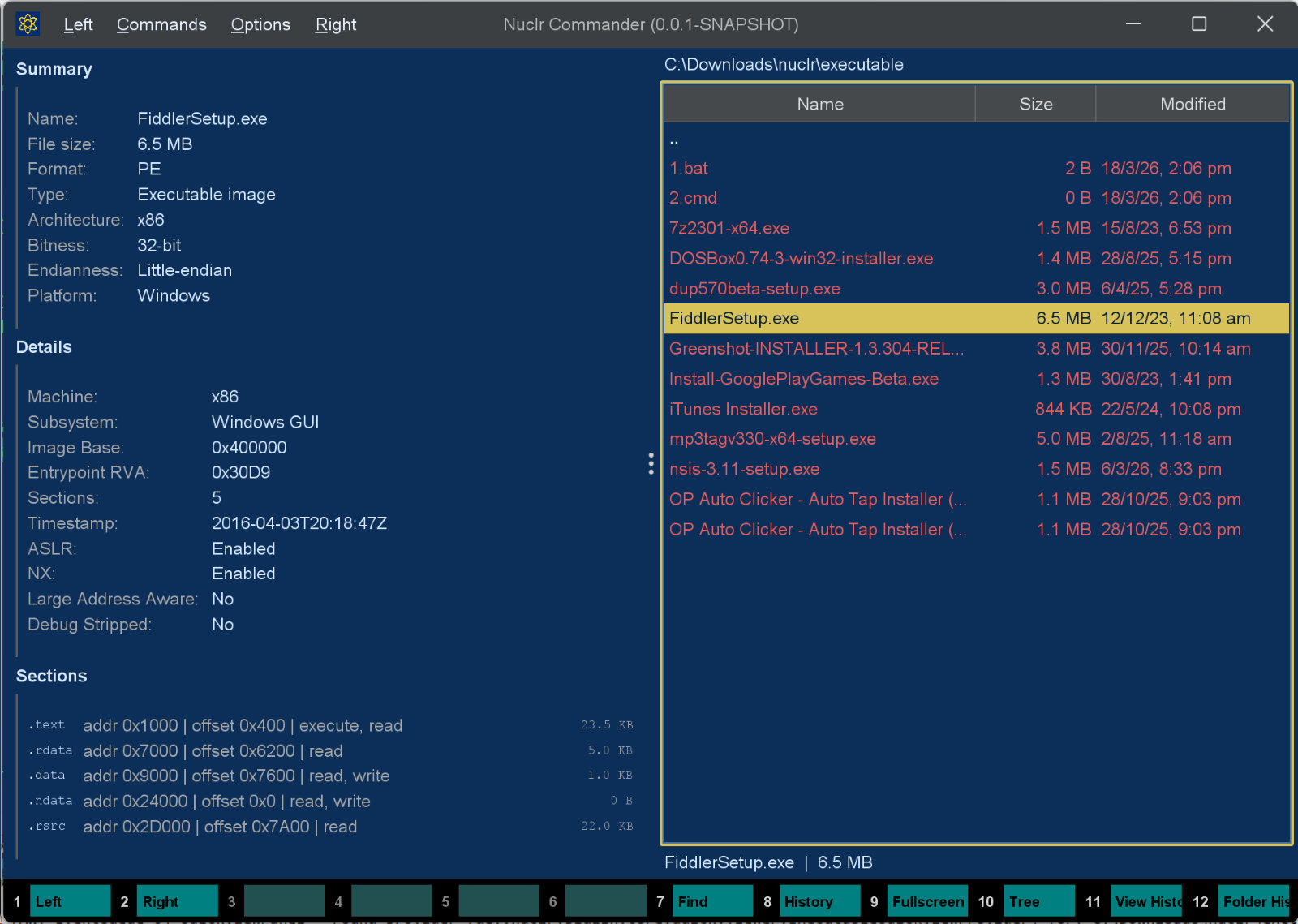
A header page: the format, file type, platform, architecture and bitness, the key header fields, then the section or entry table.
It implements the platform SDK 6.0.0 thumbnail methods, so plugins that want a picture of a file - attachment chips in AI Projects, for one - get it through Commander.
📥 Installation
Copy the signed plugin archive and detached signature into the Nuclr Commander plugins/ directory:
quick-view-executables-<version>.zip
quick-view-executables-<version>.zip.sig
Nuclr Commander verifies the RSA-SHA256 signature against nuclr-cert.pem on load. The plugin becomes available immediately without a restart.
🗂️ Source Layout
src/main/java/dev/nuclr/plugin/core/quick/viewer/
├── ExecutableQuickViewProvider.java   plugin entry point
├── ExecutableViewPanel.java           Swing UI renderer
└── exec/
    ├── ExecutableParser.java          PE / ELF / Mach-O header parsing
    ├── ExecutableFileInfo.java        parsed metadata model
    ├── ExecutableTableEntry.java      display row model
    └── ExecutableParseException.java  parse error
🧪 Tests
The repository includes parser-focused unit tests covering:
- 🪟 PE metadata extraction
- 🐧 ELF metadata extraction
- 🍎 Fat Mach-O parsing
- 🚨 Unsupported file handling
📚 Dependencies
All dependencies are provided by Nuclr Commander at runtime — nothing extra is bundled in the plugin ZIP.
| Library | Version | Purpose |
|---|---|---|
dev.nuclr:platform-sdk | 6.0.0 | Nuclr platform interfaces |
📄 License
Apache License 2.0.