🖼️ ImageMagick Bridge
A Nuclr Commander QuickView plugin that unlocks preview support for image formats handled by your local ImageMagick installation.
✨ What It Does
imagemagick-bridge adds QuickView support for image formats that are readable by a system-installed ImageMagick 7 binary.
Instead of bundling codecs directly, the plugin:
- 🔎 Detects
magickautomatically from preferences, config,PATH, and common install locations - 🧠 Queries
magick -list formatto discover which formats your installation can read - ⚡ Converts the selected file to PNG on demand for QuickView rendering
- 🛡️ Applies configurable timeouts, input-size guards, and ImageMagick resource limits
- 🪟 Prompts the user to locate
magickmanually if auto-detection fails
📸 Screenshots
| QuickView | Preview Rendering |
|---|---|
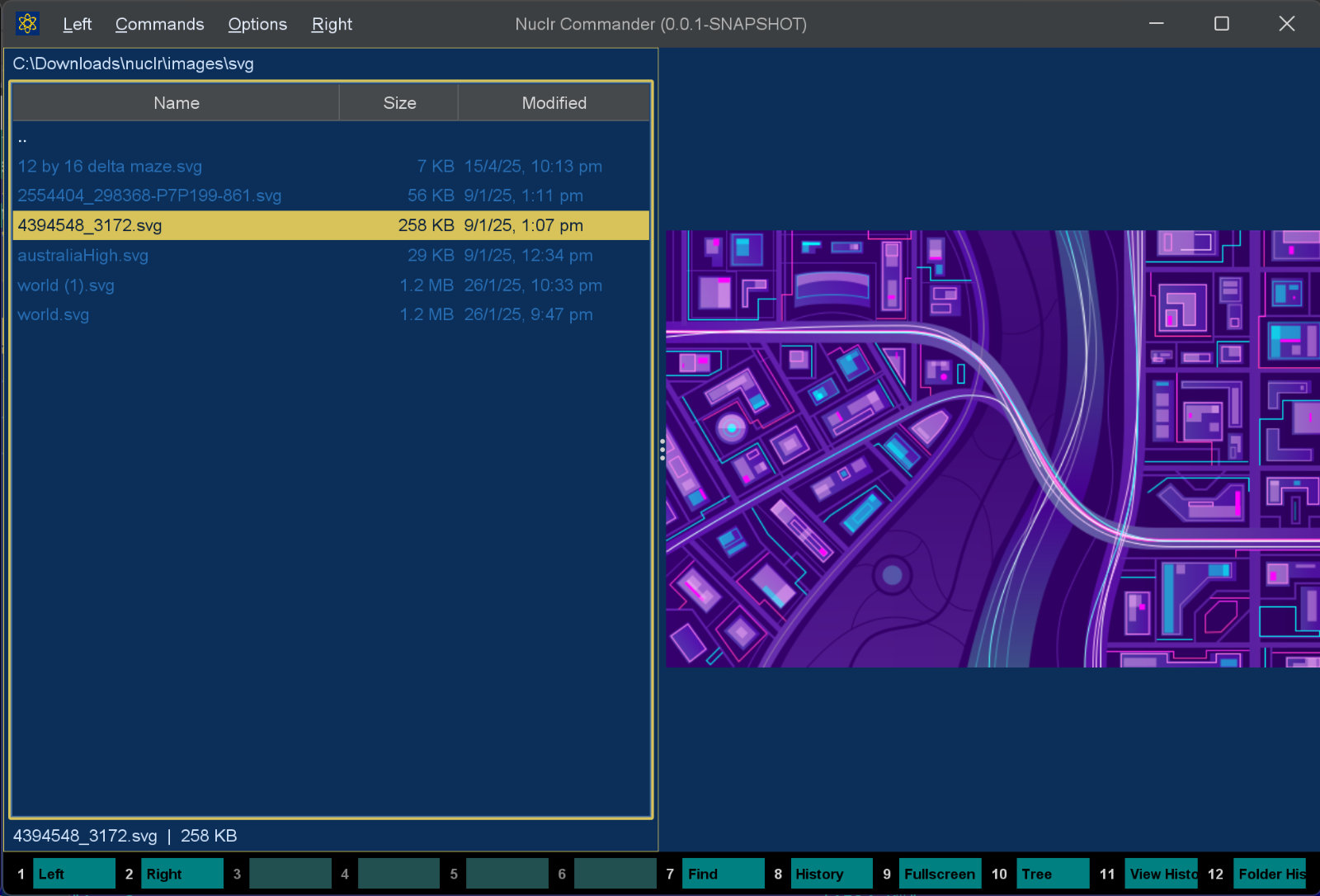 | 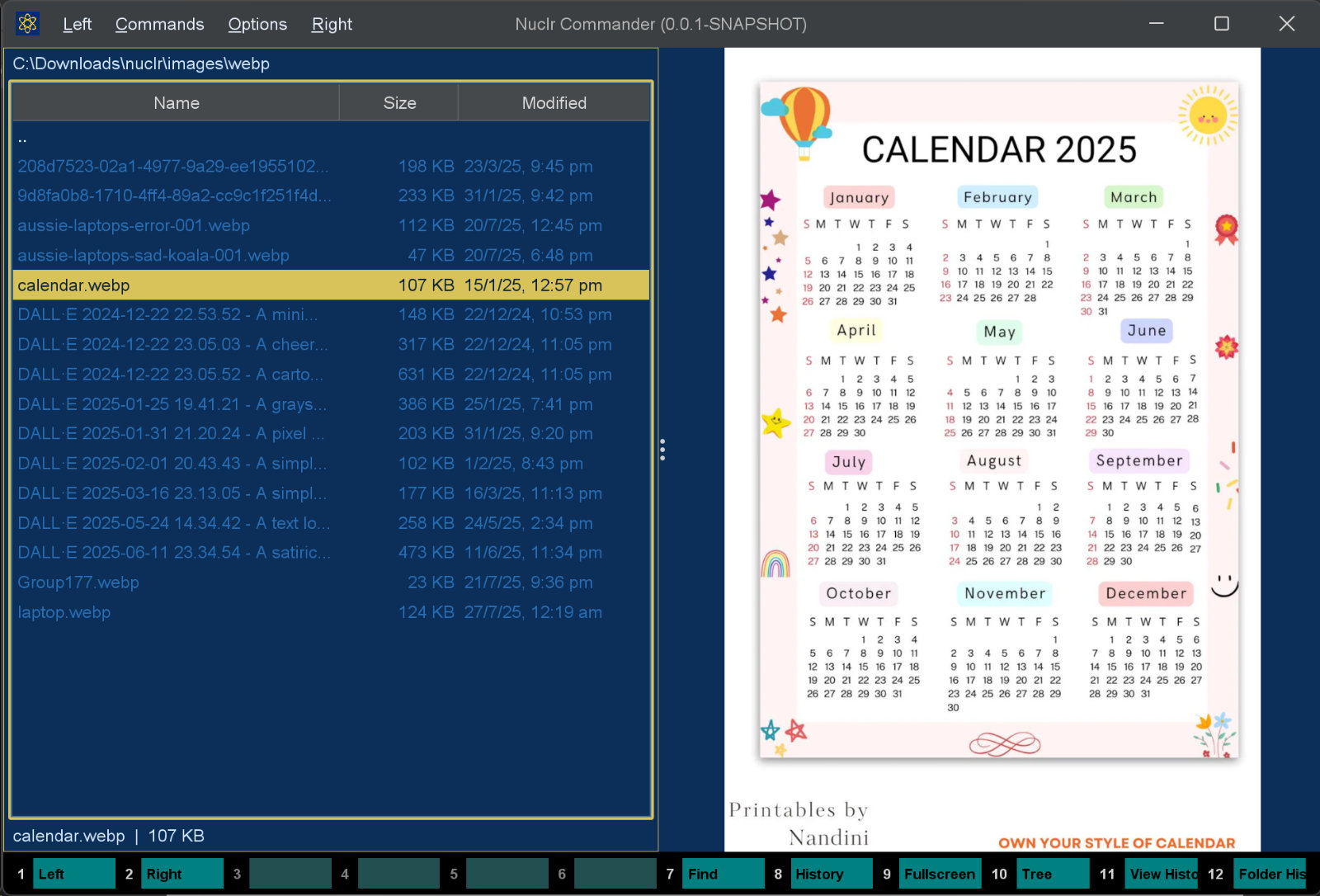 |
🚀 Why This Plugin Exists
Nuclr Commander can already preview common formats. This plugin extends that experience to the long tail of formats supported by ImageMagick on your machine, including specialized, legacy, and graphics-tool-specific formats, without hardcoding an extension list into the plugin.
That means support depends on the capabilities of your local ImageMagick build.
🧩 How It Works
When the plugin starts, it:
- Looks for an ImageMagick 7 executable.
- Verifies the binary and reads the installed ImageMagick version.
- Loads the set of readable formats from
magick -list format. - Advertises those extensions to Nuclr Commander as QuickView-capable.
- Converts the selected file to a temporary PNG when the preview panel opens.
For multi-frame or layered formats, the plugin requests only the first frame/layer using [0], which keeps preview generation predictable and avoids multi-file output.
✅ Requirements
- ☕ Java 21
- 🖼️ ImageMagick 7 installed on the host system (
magickonPATHor in a common location)
🖼️ Thumbnail
ImageMagick converts the first frame straight to the requested box (-resize WxH>, never above the configured preview limit), so a huge PSD or RAW is never decoded at full size in Java. The setup dialog is never shown for a thumbnail: without ImageMagick there simply is none.
It implements the platform SDK 6.0.0 thumbnail methods, so plugins that want a picture of a file - attachment chips in AI Projects, for one - get it through Commander.
📥 Installation
- Install ImageMagick 7 on your system.
- Make sure the
magickexecutable is available. - Copy the signed plugin archive and detached signature into the Nuclr Commander
plugins/directory:
quick-view-imagemagick-<version>.zip
quick-view-imagemagick-<version>.zip.sig
Nuclr Commander verifies the RSA-SHA256 signature against nuclr-cert.pem on load.
Auto-detection is silent while the plugin loads. If ImageMagick is unavailable when
the plugin is actually asked to render a preview, it shows installation instructions
for the current operating system. You can copy the suggested install command (where
available), open the official download links, or point the plugin to magick /
magick.exe manually.
⚙️ Configuration
The plugin reads optional settings from imagemagick-bridge.properties in the platform config directory.
# Full path to the magick (IM7) executable.
executablePath=

# Timeout (seconds) for image conversion.
conversionTimeoutSeconds=30

# Timeout (seconds) for binary detection and format-list queries.
detectTimeoutSeconds=5

# Maximum input file size in bytes (512 MB). Set to 0 to disable.
maxInputSizeBytes=536870912

# Optional ImageMagick resource limits.
memoryLimit=
mapLimit=
diskLimit=
threadLimit=1

# Maximum PNG preview dimension.
maxPixelDimension=2048
| Setting | Default | Notes |
|---|---|---|
conversionTimeoutSeconds | 30 | Fails slow conversions before they hang the preview panel |
maxInputSizeBytes | 536870912 | Rejects very large files before conversion |
threadLimit | 1 | Keeps conversion resource usage predictable |
maxPixelDimension | 2048 | Down-scales oversized images; never upscales |
⚠️ Limitations
- Requires ImageMagick 7 specifically
- Preview success depends on delegates/codecs in the installed ImageMagick build
- Animated or multi-page formats are previewed as their first frame/page only
- If ImageMagick is unavailable, the plugin stays disabled instead of crashing the host
🗂️ Source Layout
src/main/java/dev/nuclr/plugin/core/imagemagick/bridge/
├── IMBridgeQuickViewProvider.java   plugin entry point
├── IMBridgeViewPanel.java           Swing preview panel
├── ImageMagickSetupDialog.java      install instructions / "locate magick" prompt
├── config/
│   └── IMBridgeConfig.java          configuration model
└── service/
    ├── FormatRegistry.java          discovered format set
    ├── IMBridgeService.java         conversion orchestration
    ├── MagickLocator.java           ImageMagick binary detection
    ├── MagickPreferences.java       persistent preferences
    ├── MagickRunner.java            runner interface
    ├── DefaultMagickRunner.java     production runner (shells to magick)
    └── RunResult.java               execution result model
📚 Dependencies
All dependencies are provided by Nuclr Commander at runtime — nothing extra is bundled in the plugin ZIP.
| Library | Version | Purpose |
|---|---|---|
dev.nuclr:platform-sdk | 6.0.0 | Nuclr platform interfaces |
📄 License
Licensed under the Apache License 2.0. See LICENSE.